Hey people,
Coming back to the DEV topics, today I’m going to give you a quick overview of Unity API.
It’s very simple, but it will give different perspectives of what you can automate on Unity.
CUPI is a provisioning API for Cisco Unity Connection that has been designed to be stable and simple to use. It is based on leading industry standards for web-based API development, and provides access to the most commonly provisioned data on Connection systems (users, contacts, distribution lists, and call handlers).
By using CUPI, you can securely do the following:
- Create, read, update, and delete users and user configurations
- Reset passwords
- Create, read, and update distribution lists
- Create, read, update, and delete call handlers
- Create, read, update, and delete contacts
Getting the Schema Details
All the schema details for all supported object types can be obtained by going to the REST schema page using the URL:
http://{server name}/vmrest/schema
In the case of users the schema shows what will come back when fetching the full user data using a URL like this:
http://{server name}/vmrest/users/{object_id}
Authentication
CUPI uses the same authentication and authorization scheme that the administration console uses. This means that the objects an administrator has access to when authenticated are determined by the roles to which the administrator is assigned.
Basic Operations
Searching For an user:
This request gives us all details about an specific user, searching it by the alias.
To search for a user account, do the following GET request:
GET http://<connection-server>/vmrest/users?query=(alias%20startswith%20ab)
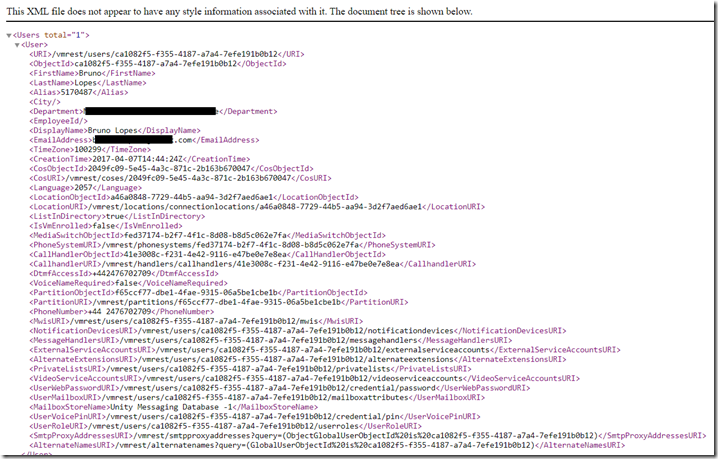
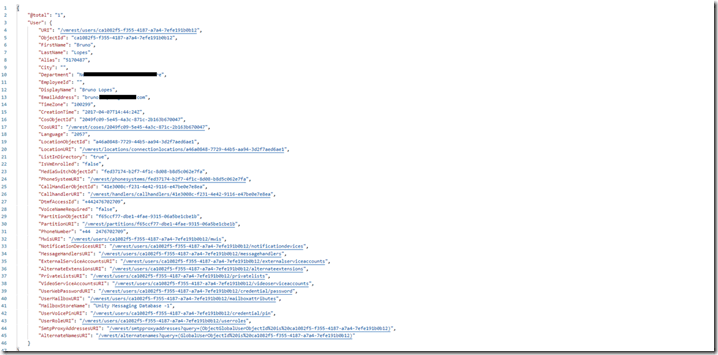
You can have your results in XLM or JSON. It’s up to you. The only difference will be on how you manipulate that, to achieve your goal.
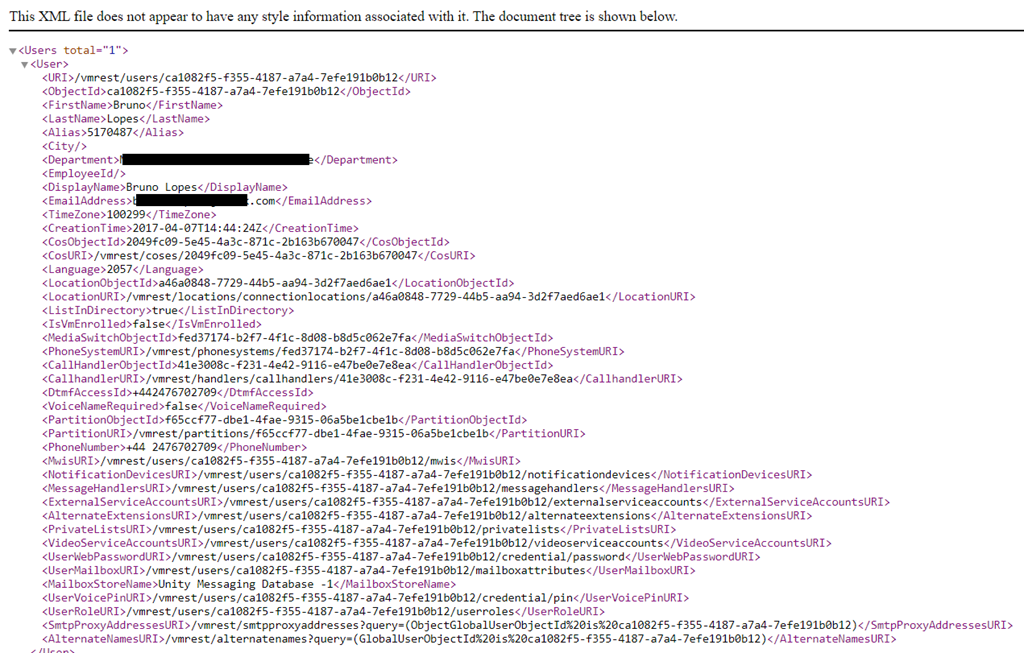
In XML, you will see this:
If you want to change, or create something new, you need to send a PUT or a POST request.
And, depending on your request, you have to search the user via user-objectID, instead of Alias. In this case, you have to send a request to get information from an user, save its ObjectID, and then use it in another request. See some samples below:
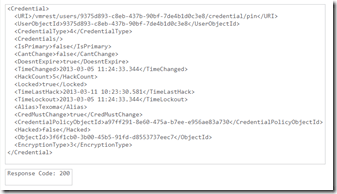
Listing User PIN Settings
Shows information about user’s PIN:
The following is the response from the above *GET* request and the actual response will depend upon the information given by you:
Changing PIN
In this case, we are going to use PUT, and we also have to send the new PIN in the Body:
<Credential>
<Credentials>ciscfo1234</Credentials>
</Credential>
This must be your response, indicating a success: Response Code: 204
Creating a User
To create a user account, do the following POST request:
<?xml version=”1.0″ encoding=”UTF-8″ standalone=”yes”?>
<User>
<Alias>jdoe</Alias>
<DtmfAccessId>7890</DtmfAccessId>
</User>
The following is the result of the above POST request: 201 Created
Modifying a User
To modify a user account, do the following PUT request:
<?xml version=”1.0″ encoding=”UTF-8″ standalone=”yes”?>
<User>
<DisplayName>johnd</DisplayName>
</User>
The following is the result of the above PUT request: 204 Accepted
Deleting a User
To delete a user account, do the following DELETE request:
The following is the result of the above DELETE request: 200 OK
These were only some samples of what you can do using CUPI. Of course, there are dozes, or hundreds of types of request.
Any specific request you want to do and don’t know how, let me know in the comments.
I hope you enjoy this post! 
See ya!
Bruno



 Get Practical